Chrome extension · Gmail bridge

MagicLess

OTPs and magic links, right where you need them. Your inbox stays closed.

Free · wakes only on login flows · never submits a form for you

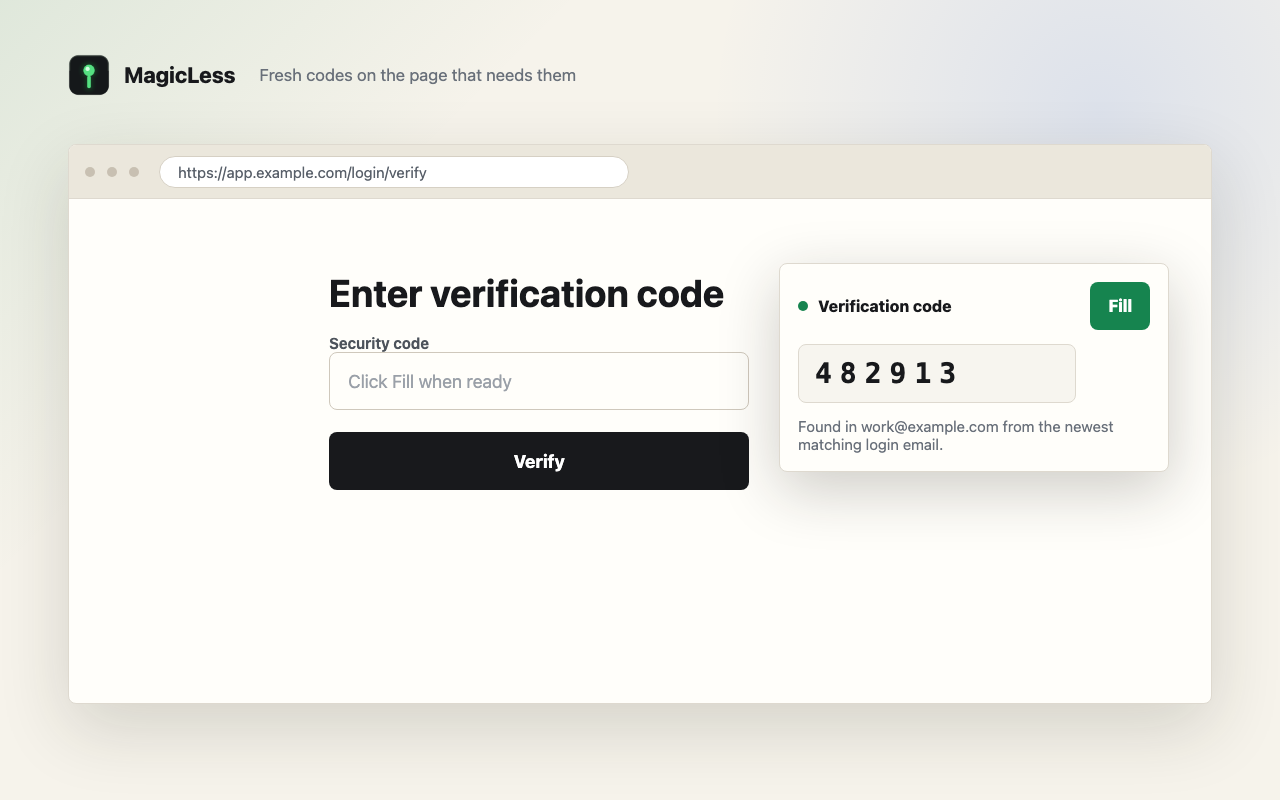
Enter verification code

Security code

Scanning inboxes…Verification code

Found in work@example.com · newest matching login email

Fig. 0 — the whole product: one card, one action, no inbox.

It wakes forOne-time code input“Check your email” screenMagic-link sign-inVerification screens, any site— never checkout, contact, or admin forms

Not a password manager

A precise instrument for the most annoying four seconds of login.

MagicLess works on any site but surfaces only when the page looks like a login. It finds recent auth mail across the Gmail inboxes you connected, scores it, and offers one clean button. That is the entire product.

MagicLess rendering a Fill action next to a verification-code field
Fig. IA code, delivered to the field that asked for it.
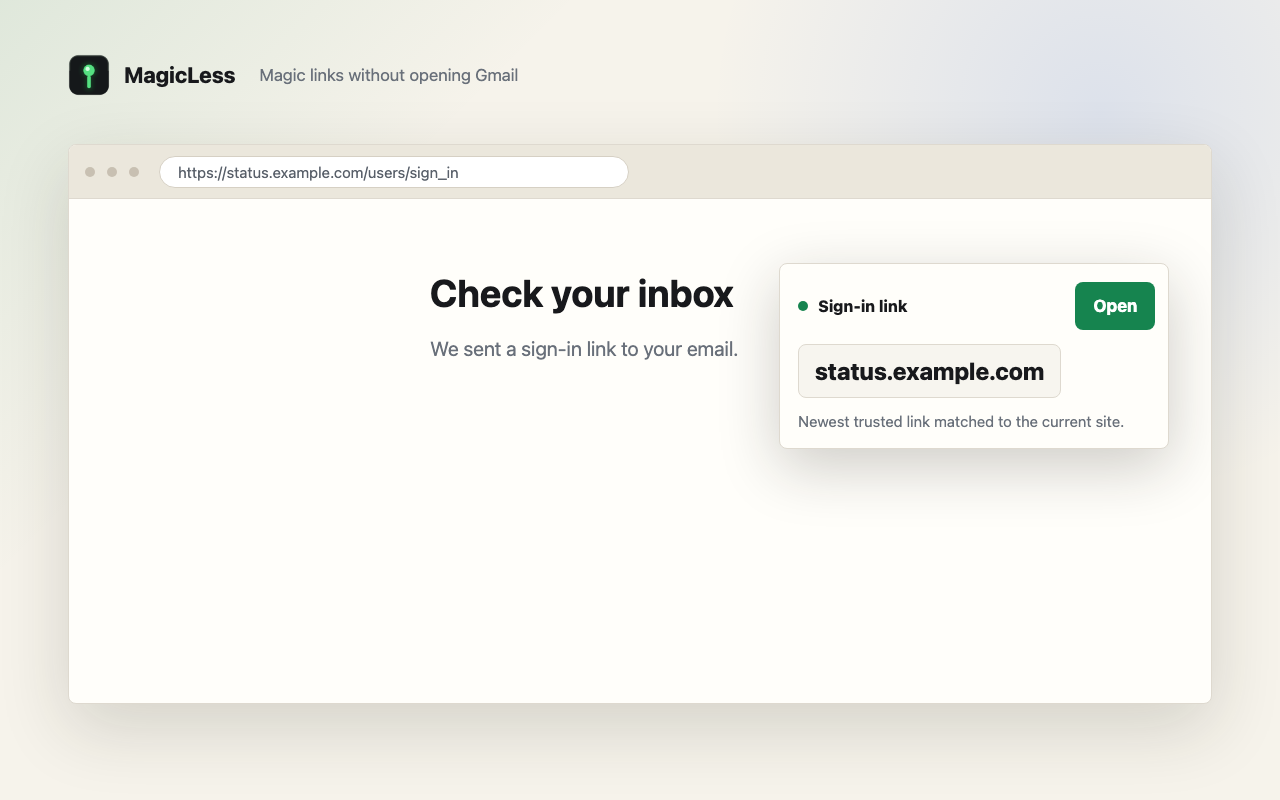
MagicLess rendering an Open action for a sign-in link
Fig. IIThe newest trusted link, matched to the current site.
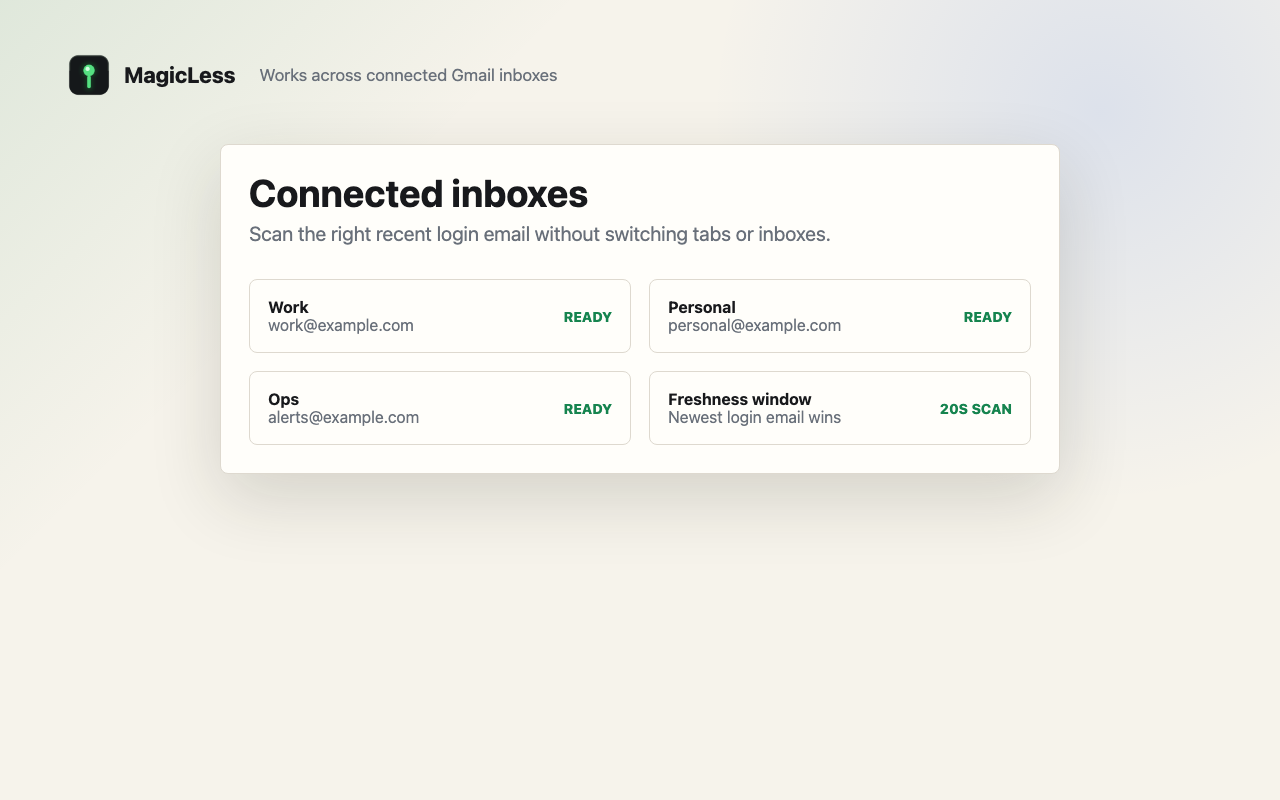
MagicLess connected inbox management screen
Fig. IIIUp to five connected inboxes scanned at once. Newest login email wins.
1clear actionFill code, open link, retry, or dismiss. Nothing else.
0automatic submitsMagicLess never presses a button for you.
3+connected inboxesWork, personal, ops — up to five in one pass.
Nowfresh mail onlyRecent login email counts. Old codes and links do not.

The actual ritual

From email event to page action.

origin · title · hintsfetch fresh mailscored artifactsshort-lived eventLogin pagebrowserBridgebackendGmailvia Composio · many inboxes✳ONE ACTIONfill · openretry · dismiss
  1. The page speaks

    The content script reads only the current origin, title, and short login-page hints — on any site that looks like an auth flow. Authenticator-app MFA, API token forms, checkout and coupon fields, contact forms, and unrelated admin inputs are refused.

  2. The bridge consults the inboxes

    The backend asks Composio for fresh Gmail across up to five connected accounts, filters by recency, sender, destination, and matching domain, and scores what remains.

  3. One action appears

    The strongest artifact returns as a short-lived event and renders as a single card on the page. Fill the code, open the link, retry, or dismiss. Never an automatic submit.

Narrow by design

The magic has boundaries.

The entire pipeline is scoped to one job: moving a fresh login artifact from an inbox you own to a page you are looking at.

Never touched

  • Passwords, cookies, or session tokens
  • Raw page HTML
  • Form values you already typed
  • Automatic form submission
  • Authenticator MFA, checkout, contact, or admin forms
  • Long-term storage of email bodies

Only ever

  • Page origin, title, and short sanitized hints
  • Recent email in inboxes you connected, codes from the last 15 minutes only
  • Likely codes and trusted login links, scored
  • Short-lived events, consumed on use
  • One action — fill, open, retry, or dismiss — clicked by you

See the full compatibility table and the privacy policy.

Field notes

Guides for the login email that did not arrive.

Source-backed troubleshooting for OTP codes, magic links, filters, aliases, and every other way a verification email goes missing. Browse all guides, or check the verification-code directory for 17 services.

Begin

Stop opening Gmail for a six-character chore.

  1. Install the extension

    One click from the Chrome Web Store. No account required to start.

  2. Connect Gmail

    Link one or more inboxes through Composio from the extension popup.

  3. Log in anywhere

    Next time a page asks for a code or magic link, MagicLess checks your connected inboxes and offers the freshest match.

Install MagicLess — freeTry the live demo firstChrome Web Store · aojiliialpaepnmcglaenacomegokiol

Free with one connected Gmail inbox. MagicLess Pro connects up to five for $1.99 a month or $19 a year.